30 pre-stored radio stations/output power 4X50W full panel waterproof/
anti-salt spray anti-UV/waterproof grade IP66
1.COMMUNICATION REQUIREMENTS
•Support CAN communication (125K/250k/500k, optional)
•Supports one-line communication; communication protocol can be customized.
•Supports lead-acid and lithium battery modes; lead-acid mode supports lead-acid power supply voltage detection and calculation of battery capacity.
•Supports lithium battery mode one-line communication to receive wire harness power information.
•Supports vehicle CAN communication and receives vehicle speed,gear, fault and other information.
2. FUNCTIONAL REQUIREMENTS
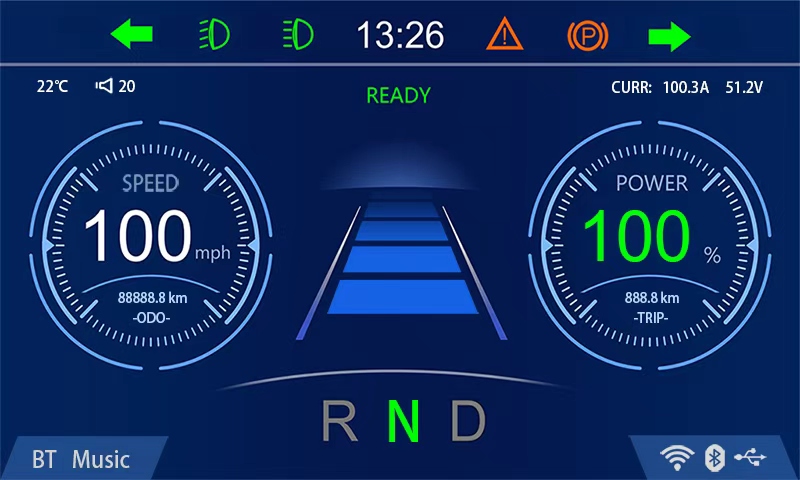
•Integrated electric instrument information display function,including but not limited to information display such as battery capacity, vehicle speed and gear, mileage, steering, light status,faults, human-computer interaction prompts, etc.
•Integrated central control multimedia functions, including but not limited to radio, Bluetooth music U disk audio and video playback,reversing imaging, mobile phone interconnection, Bluetooth phone, navigation, etc.
•Support 2 or more speaker drivers, support front and rear camera display and switching.
•The radio supports reception and playback of mainstream frequency bands at home and abroad. •Support mobile phone interconnection, support Apple Car play/Android Auto, etc…
BASIC OPERATIONS
Function: How To:
Power On Press the Power (1) button once.
Power Off Hold the Power (1) button for 2 seconds.
Volume Up Rotate the (1) button clockwise.
Volume Down Rotate the (1) button counterclockwise.
Tune Next Hold down Tune Next (7).
Tune Prev Hold down Tune Prev. (5).
Pause/Play Press Plav/Pause (6 )once.
BAND Band switching:FM1-FM2-FM3-AM1-AM2(4)
MENU Press the(3)button to return to the menu
Mode Switch Press (2) button to switch between
FM/AM/Bluetooth/USB/AUX IN
1.RADIO(FM/AM) OPERATION
Press BAND button to switch between FM and AM.
FM Source:
Function:
Tune Next:
Hold Tune Next (7) button for 1 second.
Tune Prev.:
Hold Tune Prev. (5) button for 1 second.
AM Source:
Function:
Tune Next:
Hold Tune Next (7) button for 1 second.
Tune Prev.:
Hold Tune Prev. (5) button for 1 second.
2. USBOPERATION
Insert a USB stick, the unit will read the music files or videos in the USB stick automatically.
Function;
Next Track:
Press the Seek Next (7) button once.
Previous Track;
Press the Seek Prev. (5) button once.
Fast Forward:
Hold Tune Next (7) button.
Bewind:
Hold Tune Prev. (5) button.
Pause:
Press the Play/Pause (6) button.
3. BLUETOOTH OPERATION
This unit supports Bluetooth for wireless music streaming from your iPhone / Android or similar Bluetooth device.
Connecting steps are as follows:
– Press Mode button to switch to the”BT PLAY”.
– Turn on the Bluetooth on your Bluetooth device.
– Scan for the unit (Bluetooth name: marine audio) by using your Bluetooth device.
– Select the unit (Bluetooth name: marine audio), the connection then will be made automatically.
Once the unit has a connection with your Bluetooth device for the first time, then the unit can connect with your Bluetooth device automatically within valid range ever since.The unit supports audio display only.
4.Apple CarPlay/Mirror
In the main menu interface, connect the unit with the mobile phone USB cable, touch the Phonelink to enter the CarPlay interface, then you can use navigation and listen to music directly through the stereo.Turn on the settings interface,touch CarPlay and switch to the Mirror function, then you can use Mirror feature.
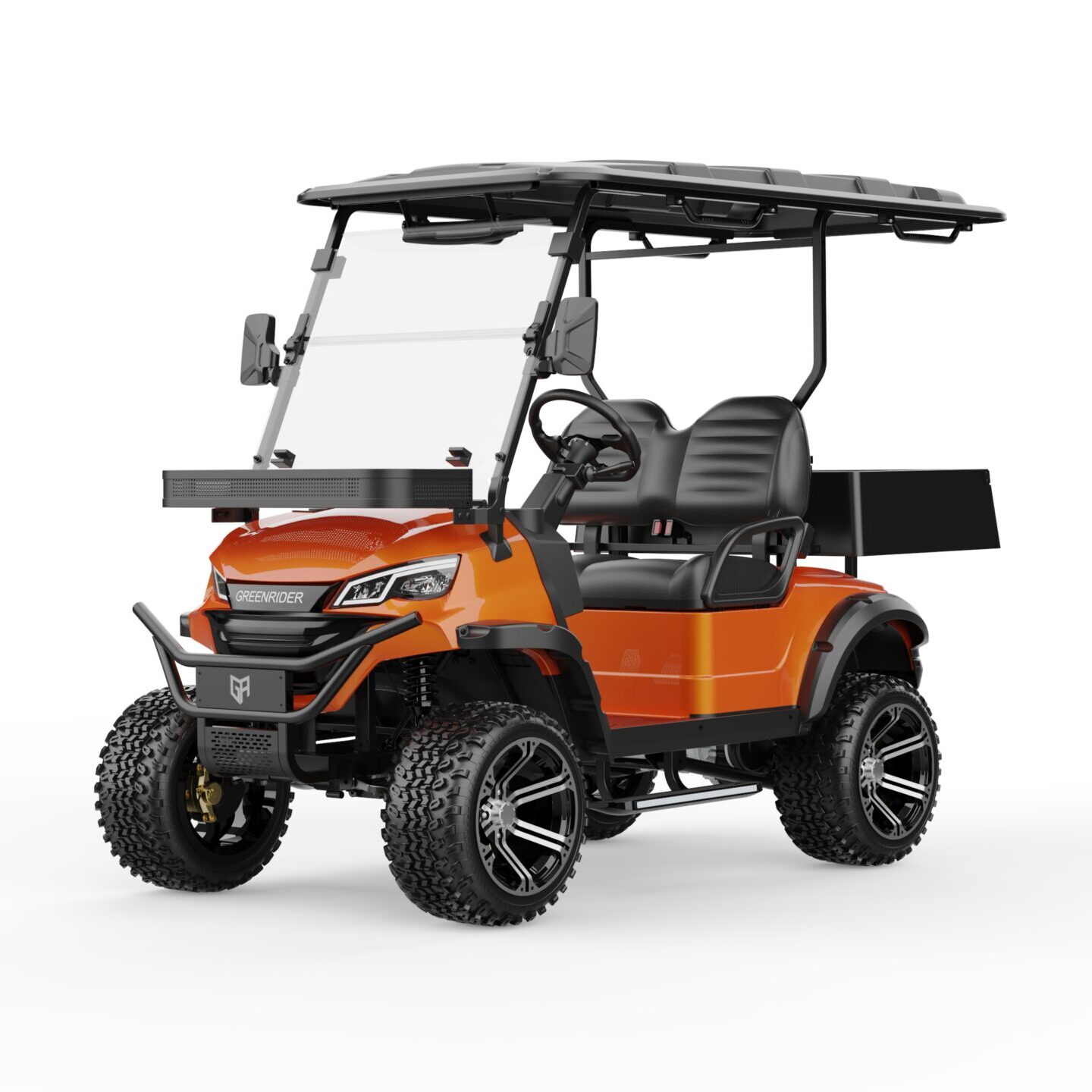
Introduction:Electric golf carts are no longer just a tool exclusive to golf courses; they have become the preferred transportation choice for more and more users. With increasing environmental awareness and technological advancements, electric golf carts are now showcasing unique advantages across various sectors. So, why are electric golf carts becoming the future trend? Body: Conclusion:Overall, […]
Introduction:As an eco-friendly and cost-effective transportation tool, electric golf carts are gaining popularity. However, how can you maintain and extend the lifespan of your electric golf cart? In this blog, we will share some simple and effective maintenance tips to help you ensure your cart stays in top condition for years to come. Body: Conclusion:By […]
Introduction:When buying a golf cart, many people find themselves debating between electric and gas-powered models. So, what’s the difference between electric and gas golf carts, and which one is better suited for your needs? In this blog, we will provide a detailed comparison to help you make the best decision. Body: Conclusion:Whether you choose an […]
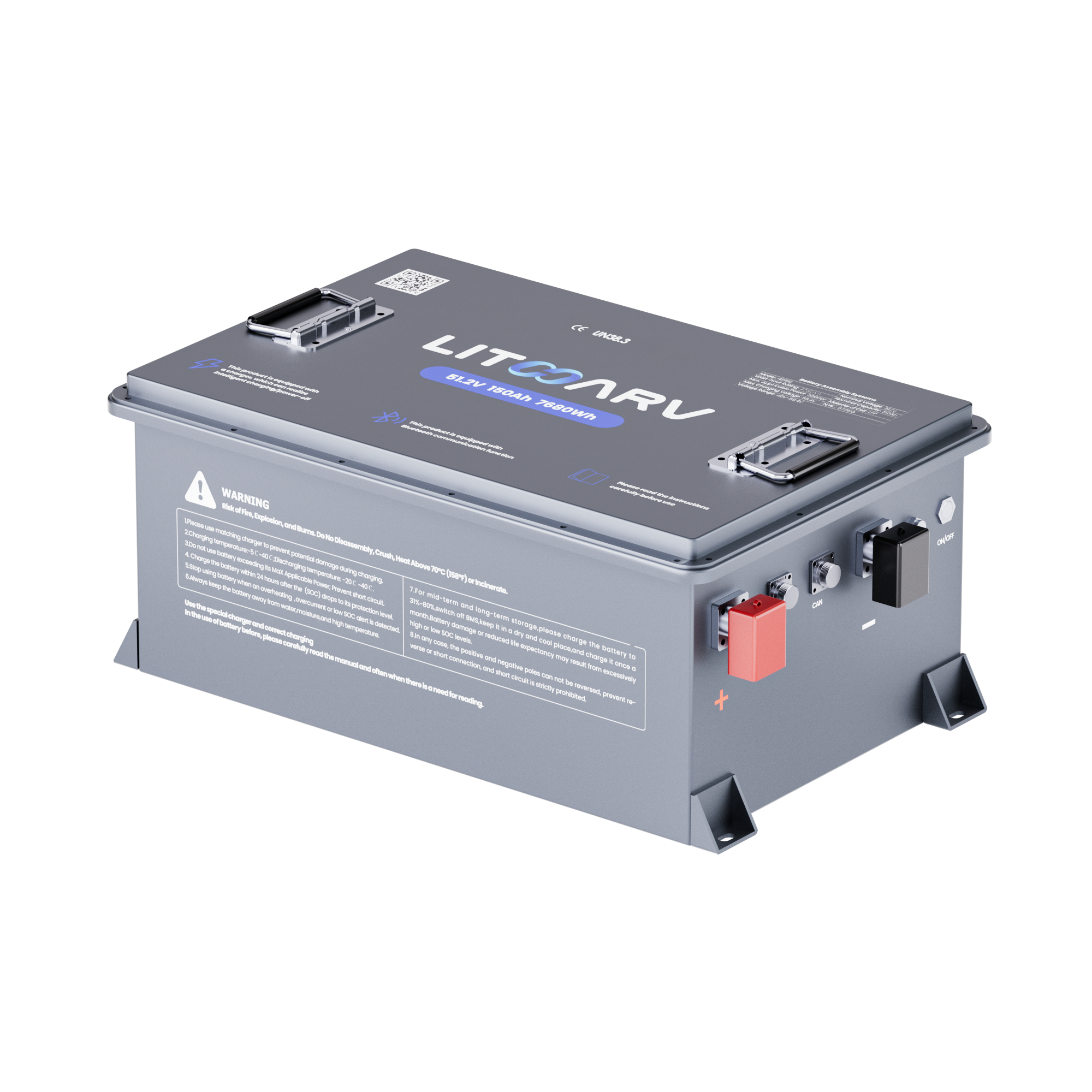
Prohibition on Using Lead-Acid Chargers for Lithium BatteriesFor common 48V and 72V electrical systems, the full charge voltages of lead-acid and lithium batteries are different, and their charging logic is also not the same. Using the wrong type of charger may, at best, prevent the battery from reaching a full charge, and at worst, cause […]
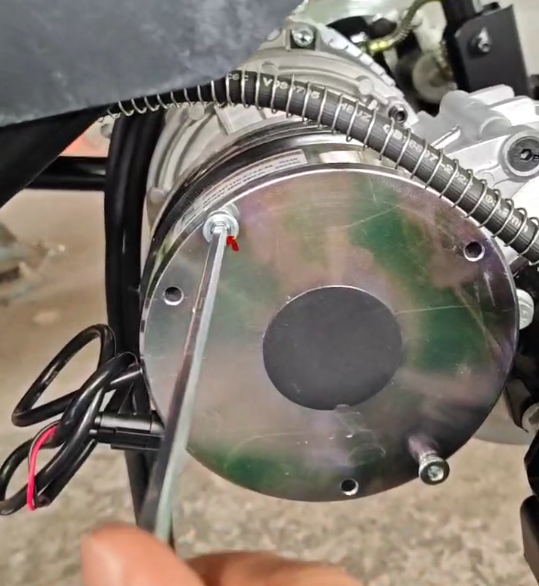
Electromagnetic brakes are commonly found in mid-to-high-end electric golf carts, typically mounted on the rear end of the drive motor. Their primary role is to serve as a parking brake, and in some models, they also function as an emergency braking aid. The core design principle is: energize to release, de-energize to lock — the brake pads are […]
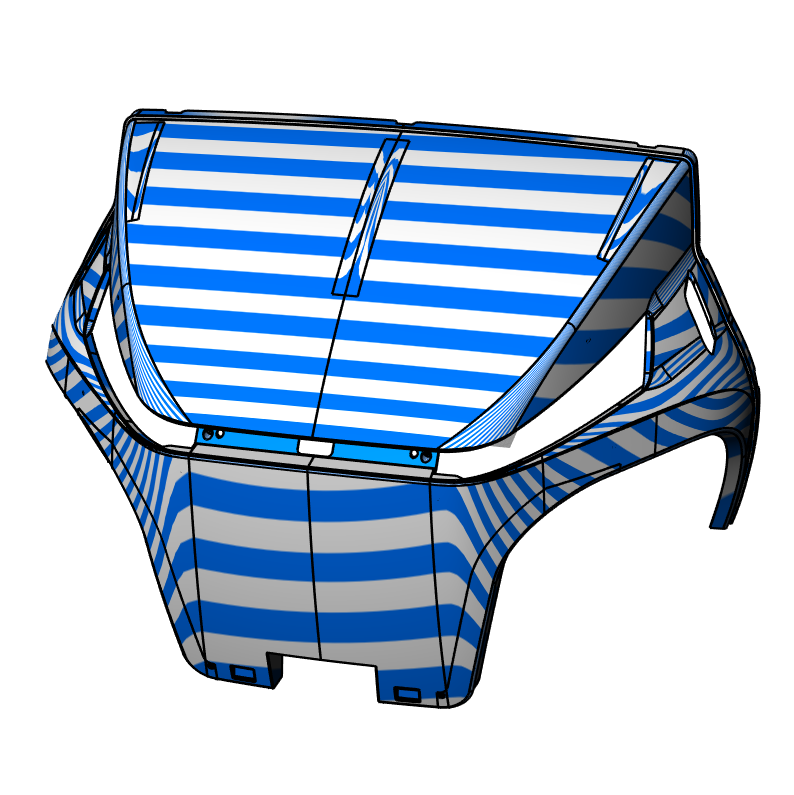
(Exterior A-level curved surface standard) For the exterior components such as the body, front face, side wings, and roof of a golf cart, the commonly used CAS modeling surface (conceptual A-level surface) in the automotive industry is used to construct the process. Taking Rhino, a mainstream industrial design modeling software, as an example. It is […]


.jpg)