Why Choosing Electric Golf Carts Is the Future Trend
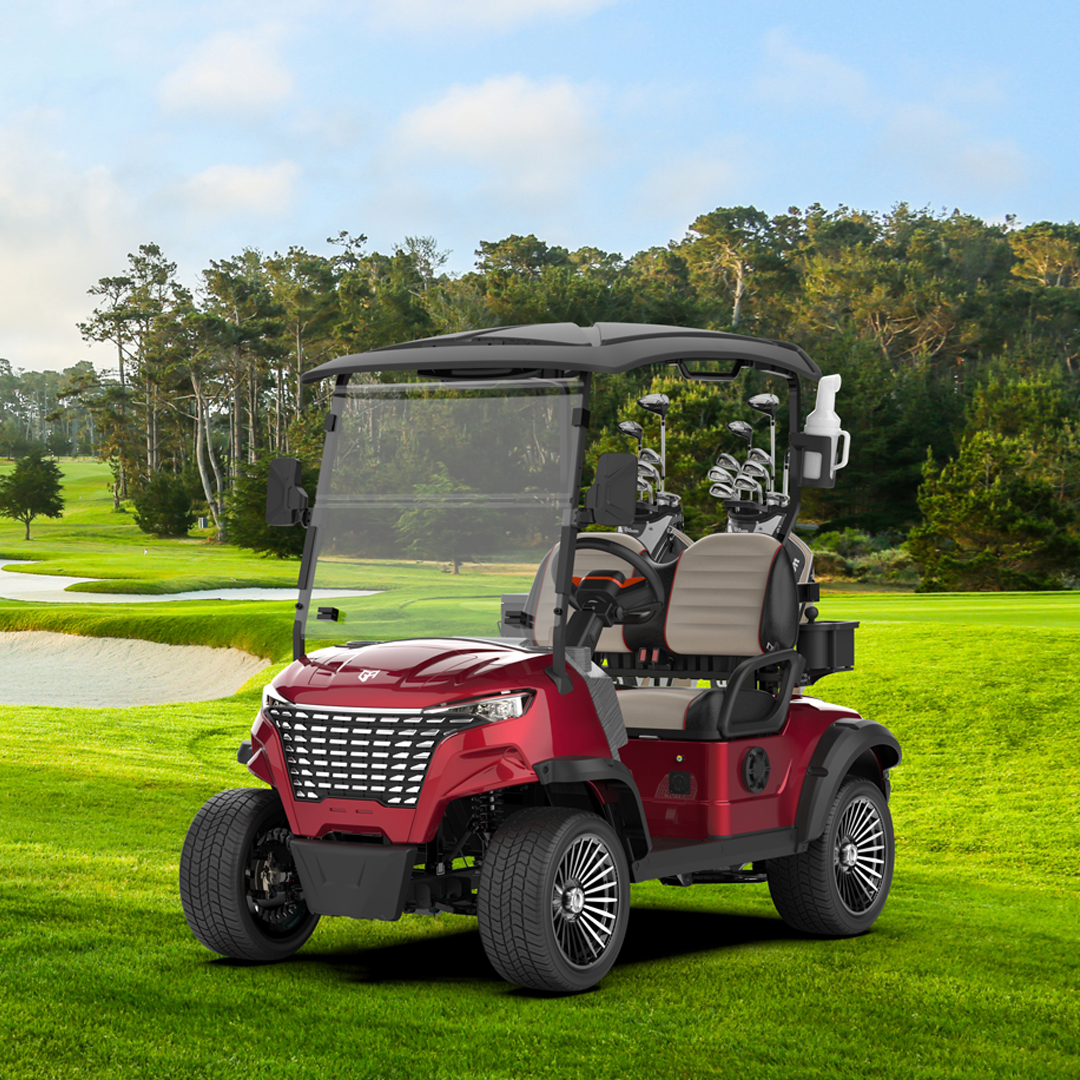
Introduction:Electric golf carts are no longer just a tool exclusive to golf courses; they have become the preferred transportation choice for more and more users....


Hello fellow golfers.
There’s nothing quite like cruising the course in your golf cart with the wind in your face and some music or tournament coverage on the radio. But too often, the signal dies within fifty yards of the clubhouse, and you’re left with nothing but static and crackling noise all the way to the 18th hole.
If you’ve already tried unplugging the USB charger and switching frequencies with no luck, the problem is most likely hiding in plain sight: the patch antenna.
Most golf carts don’t use a whip antenna. Instead, they come with a small black flat patch, about the size of a matchbox, with a thin pigtail wire attached. It’s stuck somewhere out of sight with double-sided tape. It’s cheap, waterproof, and unobtrusive, but it has one big flaw: low gain. That means it’s highly sensitive to both placement and electrical interference. Poor reception almost always traces back to this little black piece.
Your first step is to find where it’s hiding. Common spots include the inside of the roof liner, under the dashboard, behind the radio head unit, or tucked into the top corner of the windshield.
Once you’ve found it, do three things. First, press it firmly back into place. The tape dries out over time, and if the antenna has peeled away from the mounting surface, it’s essentially floating in the air, and reception tanks instantly. Second, check what it’s stuck to. If it’s attached to a metal crossbeam or any metal frame, that metal is absorbing and reflecting your signal. It absolutely must be mounted on a plastic surface. Third, inspect that thin pigtail wire. Any sharp kinks, crushing, or tension will block the signal from getting through, so straighten it out carefully.
If that doesn’t fix the problem, try moving it to a better spot. A patch antenna has no directional preference, so its performance lives or dies by location alone. Peel it off gently and temporarily stick it in the upper right or left corner of the windshield, near the A-pillar. That’s where FM signals penetrate most easily. As a general rule, the closer you can get the antenna to the glass, the better the reception. This one simple move often works like magic.
Still no improvement? The antenna itself may have simply aged out. Internal solder joints can crack over time, and a replacement costs next to nothing. If you want a serious upgrade, swap it for an active antenna with a built-in signal amplifier, and you’ll notice a dramatic boost in gain.
One more thing to keep in mind: patch antennas are practically deaf when it comes to electrical interference. While you’re listening to the radio, unplug everything from the USB charging ports. Cheap charging modules spray electromagnetic noise across the FM band, and a low-gain patch antenna simply can’t compete with that kind of interference.
If the signal is fine near the clubhouse but dies as soon as you reach the back nine, that’s not the antenna’s fault at all. That’s just the course itself. Rolling hills and dense trees are physical barriers that block FM signals. Try switching to the AM band as a workaround. AM signals have longer wavelengths and bend around obstacles much better than FM. Sure, the audio quality isn’t as crisp, but it’s a whole lot better than white noise. And if all else fails, there’s always the Bluetooth backup plan. Your phone and a portable speaker will never let you down.
So here’s your quick checklist: unplug the charger, press the antenna flat, move it closer to the glass, and upgrade if necessary.
May your next round come with full signal and great tunes.
.jpg)